
Why can't I sign in?
Problems signing in are usually due to a forgotten password. The easiest way to sign in (log in) to your member account is to the Send Sign In Link button – this skips the password step entirely. Or, use one of the Sign in With buttons below that. The Send Sign In Link button will send a temporary link to your account email address. Click the link to sign in directly. The Sign in with Google / Microsoft / Apple option will open a page where you enter your Gmail/Outlook/iCloud email address and password to sign in to Impact CE securely.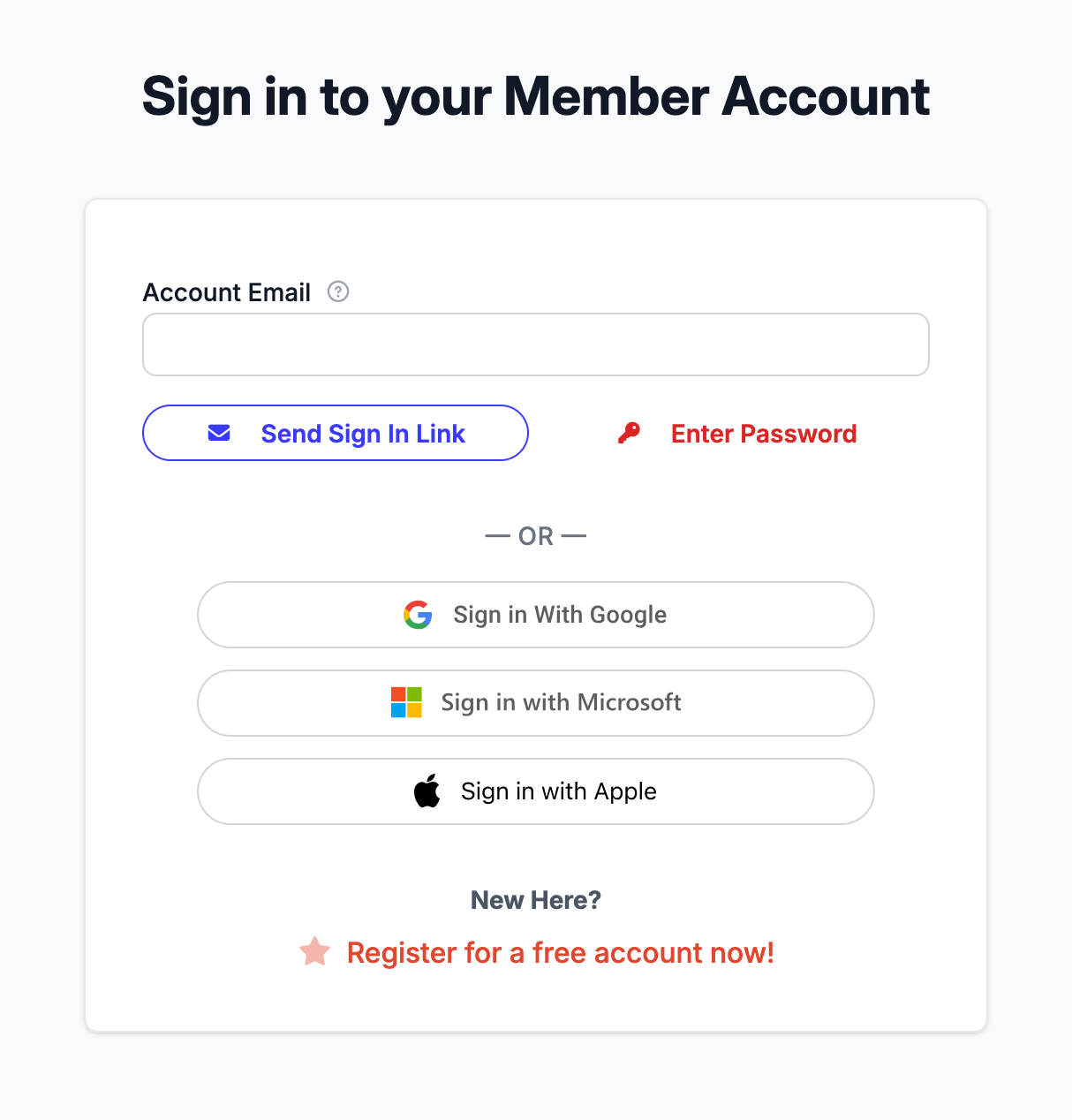 Please allow at least 10 minutes for email delivery before attempting to reset your password again. Every time you ask for an email to reset your password, the system will void any previously sent emails. If you are unable to receive this email please call our support at 1-888-459-1680 to reset the password over the phone.
 Please allow at least 10 minutes for email delivery before attempting to reset your password again. Every time you ask for an email to reset your password, the system will void any previously sent emails. If you are unable to receive this email please call our support at 1-888-459-1680 to reset the password over the phone.
Cookies:
You may have problems due to having “cookies” disabled on your device. Cookies act like temporary memory and are necessary for transferring information from one web page to another. Like nearly all member-oriented sites, our site uses temporary cookies to store identifying information for an ordering process. These cookies are not readable by any website other than ours and they are automatically deleted from your device after a short period of time. All modern browsers support cookies. However, if you have disabled the use of cookies in your browser, you will not be able to use this site. In order to complete an order, it’s important to allow your browser to accept temporary cookies from our domain.
You may have problems due to having “cookies” disabled on your device. Cookies act like temporary memory and are necessary for transferring information from one web page to another. Like nearly all member-oriented sites, our site uses temporary cookies to store identifying information for an ordering process. These cookies are not readable by any website other than ours and they are automatically deleted from your device after a short period of time. All modern browsers support cookies. However, if you have disabled the use of cookies in your browser, you will not be able to use this site. In order to complete an order, it’s important to allow your browser to accept temporary cookies from our domain.
Although uncommon, an older browser in combination with a particular device operating system may create login problems. In recent years, those who have experienced trouble logging in have resolved the problem by using Firefox or Chrome to access the site, because they use their own cookie settings, separate from Internet Explorer. If you don’t have these browsers already available on your device, you can easily download it FREE in a few minutes by visiting GetFirefox.com or Google.com/chrome. Once you download and install the Firefox or Chrome browser, open it and enter our website URL.
If you feel uncomfortable making security changes or installing a program, you might just ask a tech-savvy friend to help you. The changes we’ve described here can sound daunting, but for a more experienced device user, they’ll be quite doable.
If your device is a business device and you’re not allowed to make security level changes or install a program, then the best option might be using another device. Nearly all devices have cookies enabled.
Questions? Comments?
We're here to help. Contact us using the Help icon at bottom-right of the page, call our live support at 1-888-459-1680 M-F 7:00 AM PST - 4:00 PM PST, click this link to Contact Us or email us at [email protected]. We have staff ready to assist you!